Dashboard
Dashboard is the first page you see when you log in to the platform. It provides a quick overview of your current organization, Workspace, and list of applications. This page also the place where you can navigate to other application within the platform.
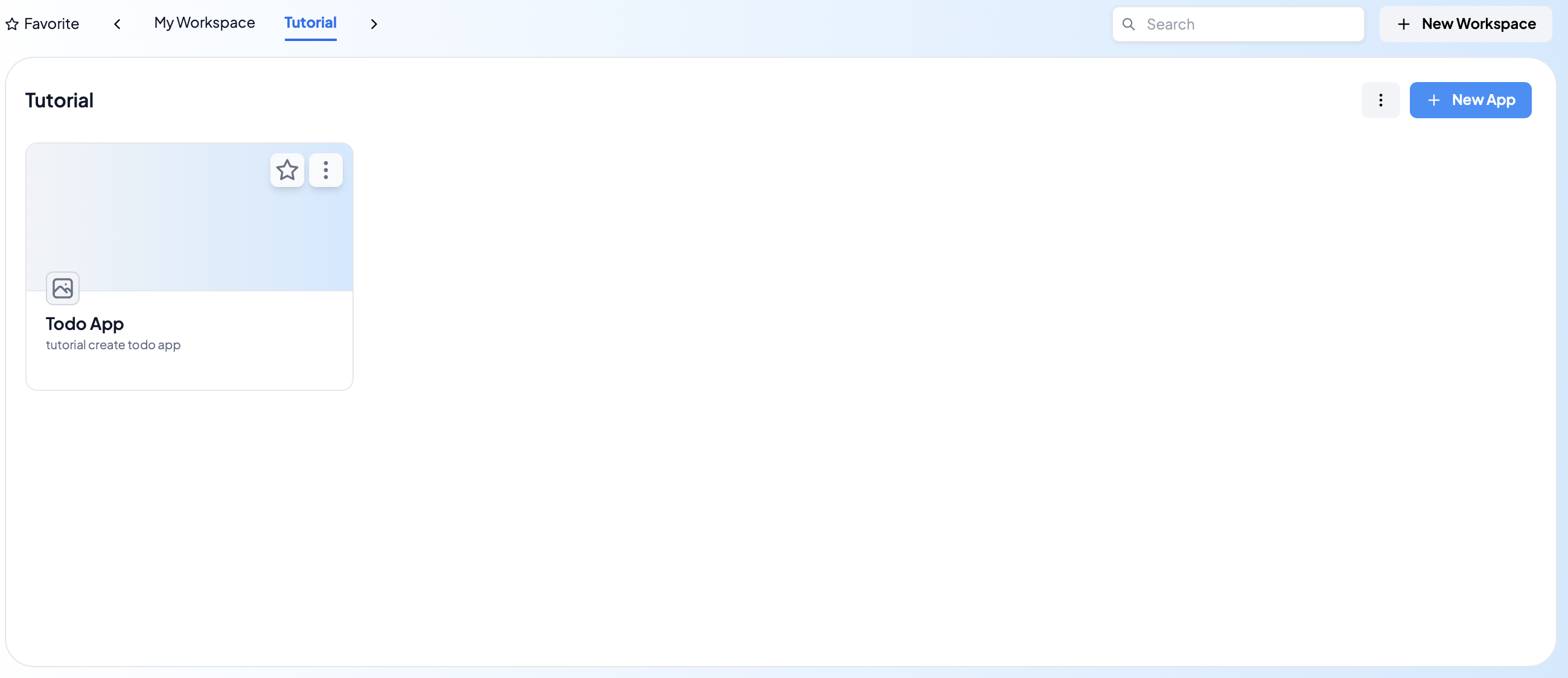
Application List
The application list is a list of all applications that you have access to. You can see the application name, application version, and the last time the application was updated.
Workspace
Workspace is a place where you can manage your application. You can arrange your application into different workspace. You can also create a new workspace, delete a workspace, and move an application to another workspace.
Organization
When joining the platform, you will be assigned to an organization. Organization is a group of users that have access to the same set of applications. You can see the organization name and the list of users that are in the organization.